Best Website Screenshot APIs in 2025
With Code, Visuals & Comparison

With Code, Visuals & Comparison
Screenshots are no longer just for saving memes. Today, they're the backbone of many modern apps — from creating social media previews to automated testing, archiving, SEO reports, and visual monitoring.
But with so many Screenshot APIs available, which one should you choose?
In this guide, we'll compare the best website screenshot APIs of 2025, including real code examples, feature-by-feature analysis, pricing, and visuals — and show why OpenGraph.io is the top choice when you need a simple, developer-first solution that delivers screenshots + metadata in a single API call.
TL;DR — Best Screenshot APIs by Use Case
- ⚡ Best for metadata + fast integration: OpenGraph.io Screenshot API
- 🧪 Best for JS-heavy pages and scraping: Scrapfly
- 🎨 Best for visual QA and branding: Urlbox
What is a Screenshot API?
A Screenshot API lets you capture an image of a website programmatically. Whether you want a full-page screenshot, a preview image for a blog post, or a way to archive web pages over time — an API automates the job.
Common Use Cases
- Link previews (in apps, forums, chatbots)
- SEO & audit tools (visual reporting)
- Social sharing & thumbnails
- Monitoring and archiving
- Automated testing
Key Features to Look For
| Feature | Why It Matters |
|---|---|
| 📸 Rendering quality | Crisp, full-page screenshots |
| ⚙️ Customization | Control viewport, delays, device emulation |
| ⚡ Speed & reliability | Queue-free, fast rendering |
| 🧩 Metadata extraction | OG tags, title, description, images |
| 🔐 Security & access control | API keys, rate limiting |
| 💸 Cost & scalability | Predictable pricing, free tier |
Infrastructure & Advanced Capabilities
| Feature | Why It Matters |
|---|---|
| 🛡️ Antibot bypass | Ability to bypass protection systems like Cloudflare |
| 🔁 Rotating proxies | Avoid rate limits by rotating IP addresses |
| 🌍 Geolocation | Emulate country-specific IP addresses |
| 💻 JS execution | Support for rendering JS-based dynamic content |
| 🗄️ Caching | Internal cache system for faster performance |
| 📊 Monitoring logs | API logs and visual dashboard for diagnostics |
Pricing & Scalability Comparison
| Feature | Scrapfly | Urlbox | OpenGraph.io |
|---|---|---|---|
| Minimum monthly commitment | $29/mo | $19/mo | $0 (Free tier) |
| Screenshots/month on base plan | 1,000 | 2,000 | 1,000+ |
| Price for 15K screenshots | ~$50 | ~$99 | ~$19 |
| Fair usage / Rate limit policy | Yes | Yes | No queue |
1. Scrapfly Screenshot API
Scrapfly is a robust scraping and automation platform that offers website screenshots as part of its extensive toolkit for web crawling and rendering.
🔍 Key Features:
- JavaScript rendering with headless browser support
- Delay rendering until JS events complete
- Device emulation and screen size customization
- Screenshot capture of dynamic content
- Integrated proxy handling and CAPTCHA bypass
✅ Pros:
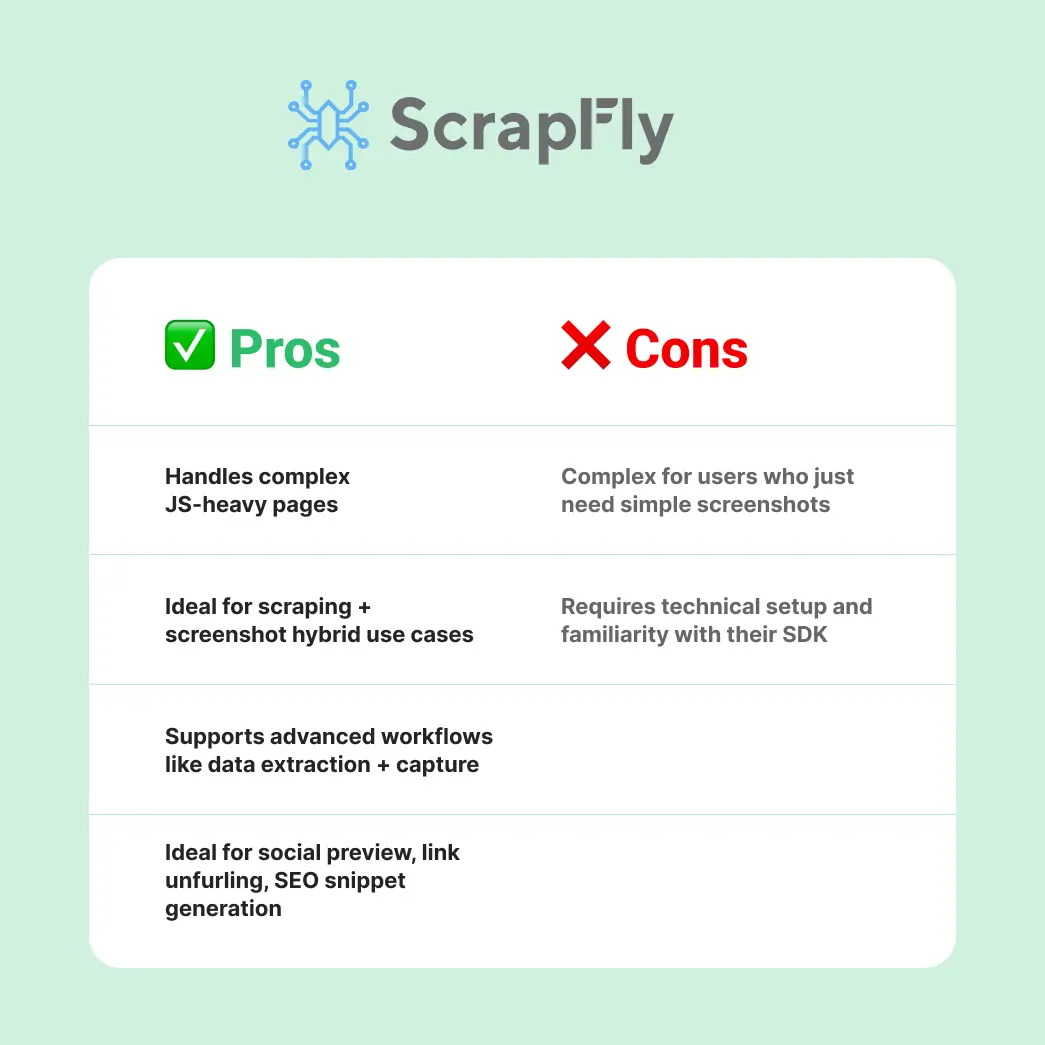
- Handles complex JS-heavy pages
- Ideal for scraping + screenshot hybrid use cases
- Supports advanced workflows like data extraction + capture
❌ Cons:
- Complex for users who just need simple screenshots
- Requires technical setup and SDK familiarity
💻 Code Example (Python):
from scrapfly import ScrapflyClient, ScrapeConfig
client = ScrapflyClient(key="your_key")
result = client.scrape(ScrapeConfig(url="https://example.com", render_js=True))
Scrapfly is perfect if you're building a crawler that needs screenshots as part of a larger scraping operation. It's not ideal for developers seeking quick plug-and-play previews.
2. Urlbox Screenshot API
Urlbox is a full-featured screenshot-as-a-service platform ideal for enterprise-grade rendering, branding, and customization.
🔍 Key Features:
- Pixel-perfect screenshots
- Device emulation (iPhone, Android)
- Custom headers, user agents, watermark control
- Delay capture until JS or element loads
- Export to PNG, JPEG, PDF, WebP
- Dashboard with history, usage, and collaboration tools
✅ Pros:
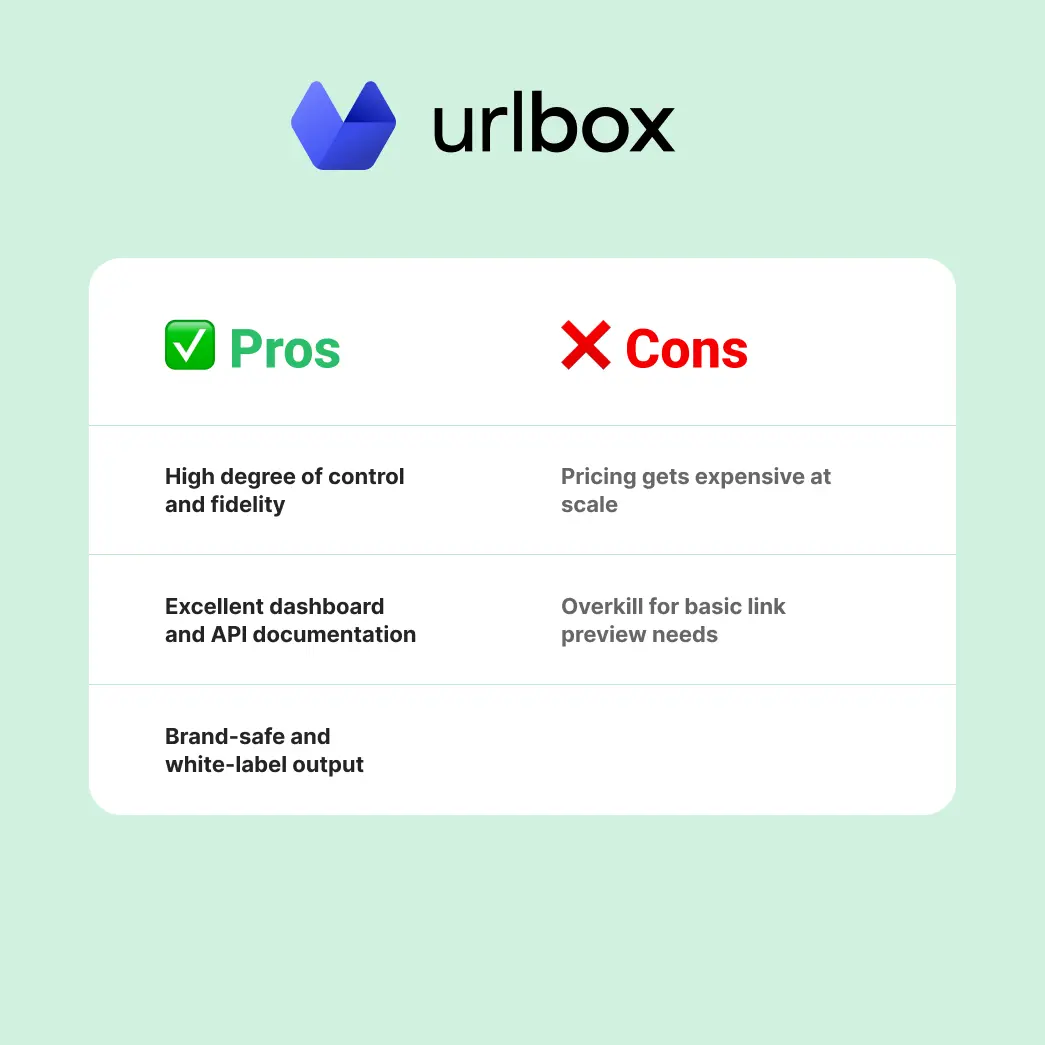
- White-label friendly, great for agencies
- Extremely customizable outputs
- Professional API documentation and UI
❌ Cons:
- Pricing grows quickly with scale
- Overkill for basic link preview needs
💻 Code Example (cURL):
curl "https://api.urlbox.io/v1/YOUR_API_KEY/png?url=https://example.com&thumb_width=600"
Urlbox is best suited for agencies, marketers, and businesses that need pixel control, white-labeling, and visual QA. For smaller apps or metadata needs, it might be too complex.
3. OpenGraph.io Screenshot API (Best for Metadata + Image)
OpenGraph.io stands out for simplicity and developer velocity. It bundles Open Graph metadata (title, image, description) with the screenshot in a single call — perfect for social previews, embeds, SEO audits, and fast integrations.
🔍 Key Features:
- One-call OG metadata + full-page screenshot
- No rendering queues, near-instant response
- Works out-of-the-box on most public URLs
- RESTful API with clean JSON output
- Header and language override supported
✅ Pros:
- Screenshot + metadata in one lightweight request
- Great for MVPs, microservices, SEO preview cards
- Super simple to integrate and scale
❌ Cons:
- No PDF or mobile emulation (yet)
- Not built for JS-heavy rendering or login-based pages
💻 Code Example (cURL):
curl "https://opengraph.io/api/1.1/site/https%3A%2F%2Fexample.com?app_id=YOUR_APP_ID"
📦 Sample Output:
{
  "openGraph": {
    "title": "Example Domain",
    "description": "This domain is for use in illustrative examples.",
    "image": "https://cdn.opengraph.io/image/url/https%3A%2F%2Fexample.com.jpg"
  },
  "screenshot": "https://cdn.opengraph.io/screenshot/https%3A%2F%2Fexample.com.jpg"
}
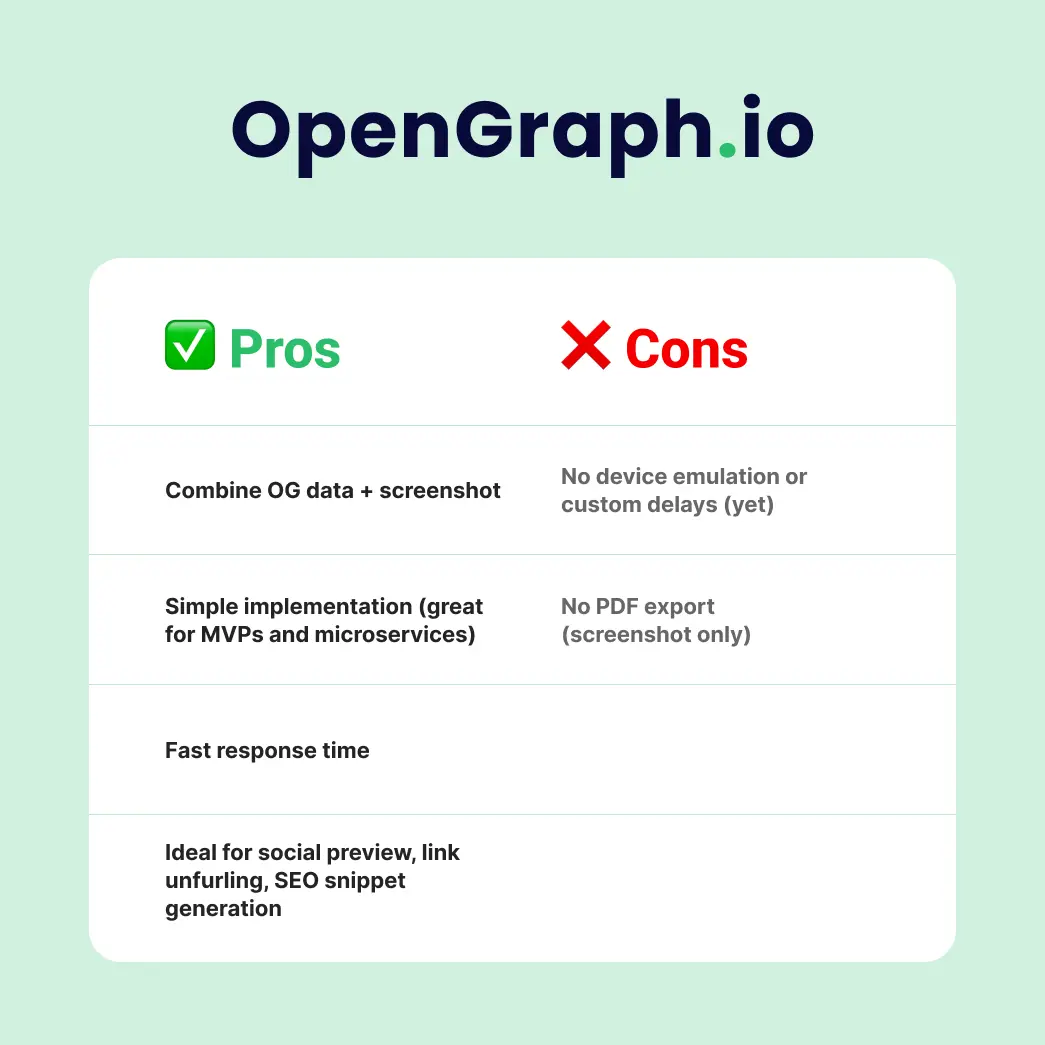
OpenGraph.io stands out for developers building preview widgets, Slack-like embeds, newsletters, SEO audits, and link intelligence tools.
API Comparison
| Feature | Scrapfly | Urlbox | OpenGraph.io |
|---|---|---|---|
| OG Metadata + Screenshot | ❌ | ❌ | ✅ |
| Full-page Screenshot | ✅ | ✅ | ✅ |
| Device Emulation | ✅ | ✅ | ❌ |
| Proxy Support | ✅ | ❌ (Enterprise) | ❌ |
| Screenshot Delay & Format | ✅ | ✅ | ❌ (default only) |
| Branding & Watermarks | ❌ | ✅ | ❌ |
| API Simplicity | ❌ | ⚠️ Moderate | ✅ |
| Ideal Use Case | Scraping + Screenshots | QA / Visual Control | Previews + Metadata |
Integration Walkthrough: Build a URL Preview API in Node.js
Let's say you want to build a microservice that returns a preview of any URL — with title, description, and a screenshot.
🚀 Node.js Example:
const axios = require("axios");
const express = require("express");
const app = express();

app.get("/preview", async (req, res) => {
  const siteUrl = encodeURIComponent(req.query.url);
  const apiUrl = `https://opengraph.io/api/1.1/site/${siteUrl}?app_id=YOUR_APP_ID`;
  const { data } = await axios.get(apiUrl);
  res.json(data);
});
This will return something like:
{
  "title": "Example Domain",
  "screenshot": "https://cdn.opengraph.io/screenshot/https%3A%2F%2Fexample.com.jpg"
}
Embed it easily:
<img src="https://cdn.opengraph.io/screenshot/https%3A%2F%2Fexample.com.jpg" />
Final Verdict: Which Screenshot API Is Right for You?
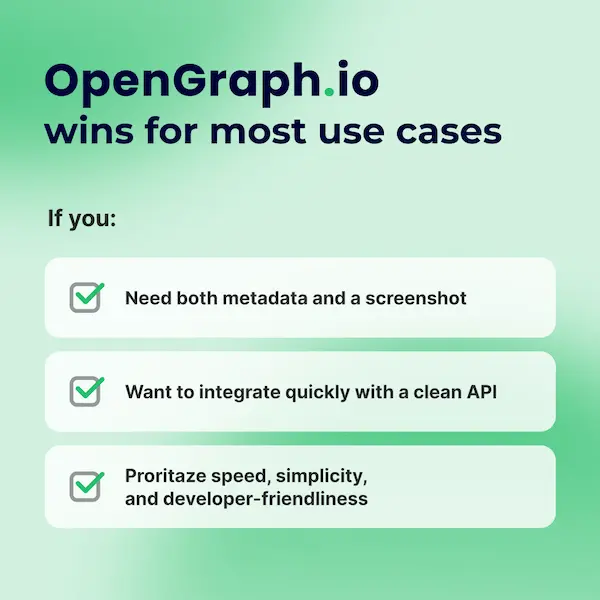
- Choose OpenGraph.io for social cards, metadata, SEO previews, and fast MVPs.
- Choose Scrapfly for scraping workflows, JavaScript-heavy rendering, or rotating IP needs.
- Choose Urlbox for pixel-perfect branding, enterprise dashboards, and full visual QA.
👉 No matter your use case, OpenGraph.io is the fastest way to go from URL → Preview + Screenshot in production.
Ready to Try It?
Want to see it in action first? Try our free Screenshot Tool to capture any page instantly.
Or jump straight to the API. Try OpenGraph.io for free. Generate a screenshot and Open Graph preview in seconds:
curl "https://opengraph.io/api/1.1/site/https%3A%2F%2Fexample.com?app_id=YOUR_APP_ID"