

Open Graph Tags vs Schema for SEO: Key Differences Explained

In the digital landscape, first impressions matter — especially when it comes to how your content appears on search engines and social media. Two powerful tools that control how your content is displayed are Open Graph (OG) tags and Schema markup. While both enhance content presentation, they serve different purposes and excel in distinct areas.
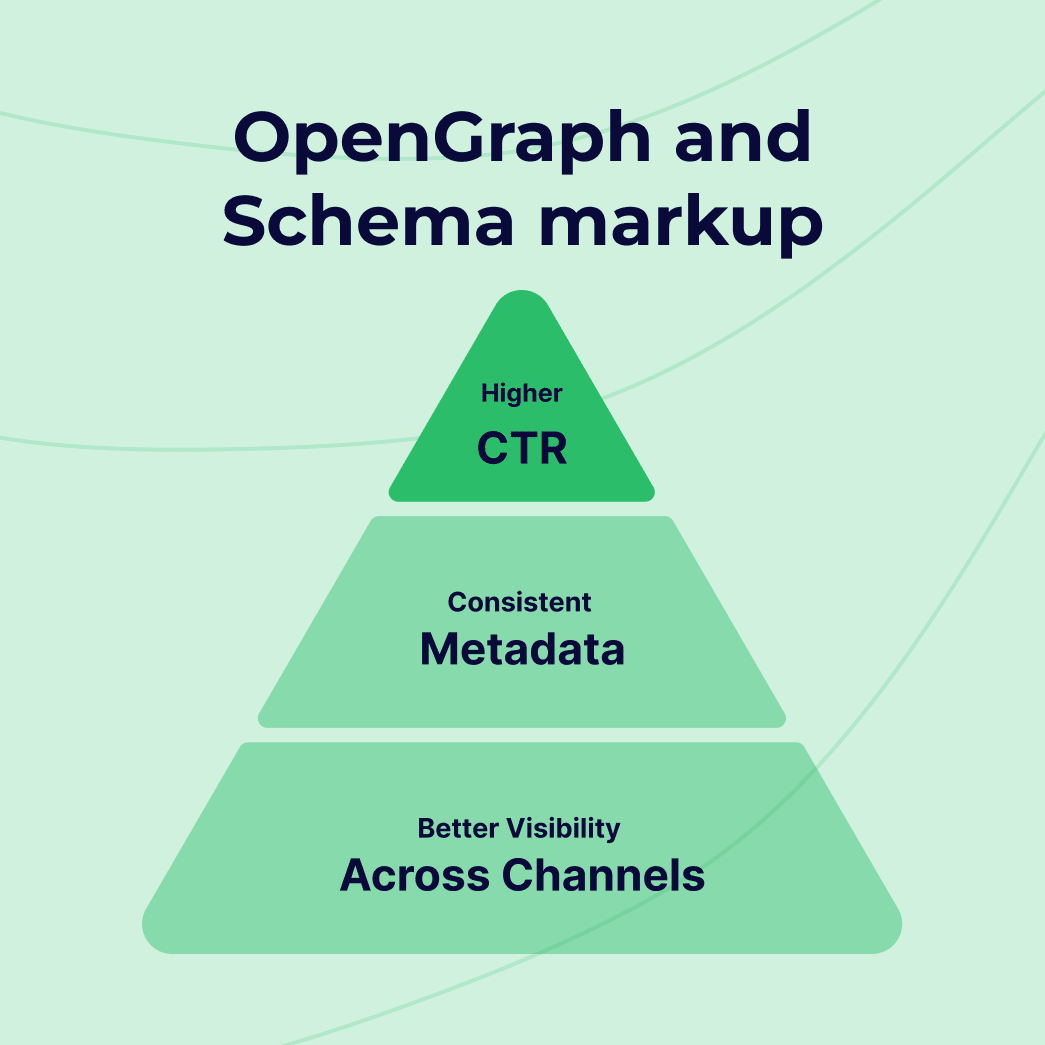
In short: Open Graph tags shape how your link preview looks on social media (title, description, image), while Schema markup helps search engines understand what your page is about (products, FAQs, articles, events) so they can display richer search results. If you care about both social sharing and SEO, you'll often use both together.
In this article, we'll explore the key differences between OG tags and Schema, how to use them effectively, and how combining both can supercharge your website's SEO and social media performance.
What Are Open Graph Tags?
Open Graph tags, introduced by Facebook, are meta tags that dictate how your content appears when shared on social media platforms. They ensure that your links look visually appealing and informative, improving click-through rates and engagement.

At a minimum, most pages should define og:title, og:type, og:image, and og:url so social platforms don't have to guess. ogp.me
If you want a deeper breakdown of the most important OG properties (and best practices for images and descriptions), see Open Graph Meta Tags. You can also start with the basics in What Is Open Graph?.
Common OG Tags
Here's an example of OG tags in action:
<meta property="og:title" content="Learn Faster with 12min App">
<meta property="og:description" content="Access book summaries that help you achieve your personal and professional goals.">
<meta property="og:image" content="https://example.com/image.jpg">
<meta property="og:url" content="https://example.com/page">
<meta property="og:type" content="website">
Purpose of OG Tags
og:title: Sets the title of the shared link.og:description: Defines the link's description.og:image: Specifies the image displayed with the link.og:url: Indicates the link's canonical URL.
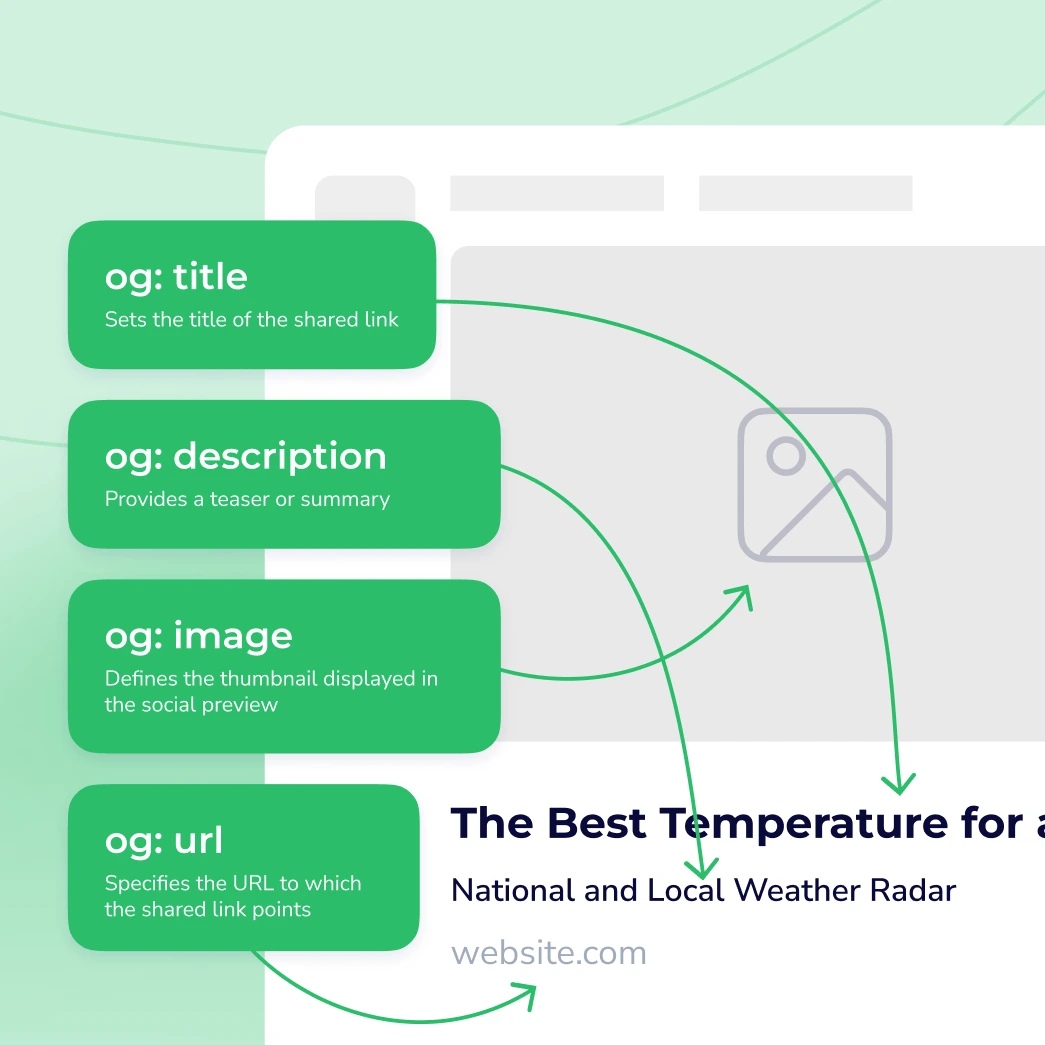
Why OG Tags Matter
- They control your social media presence, ensuring links are visually consistent and optimized for engagement.
- Platforms like Facebook, LinkedIn, and X use OG tags to generate preview cards.
- They reduce the chance platforms pick a random title or image from your page.
Practical tip: use absolute HTTPS URLs (especially for og:image), and if a preview won't update after changes, you likely need to re-scrape the URL in the platform debugger.
New to OG tags? Start with What Is Open Graph?, then use Open Graph Meta Tags as your reference when you're implementing (or troubleshooting) the tags.
What Is Schema Markup?
Now that we've covered how to control your social previews, let's look at the other side of the equation: helping search engines understand your content.
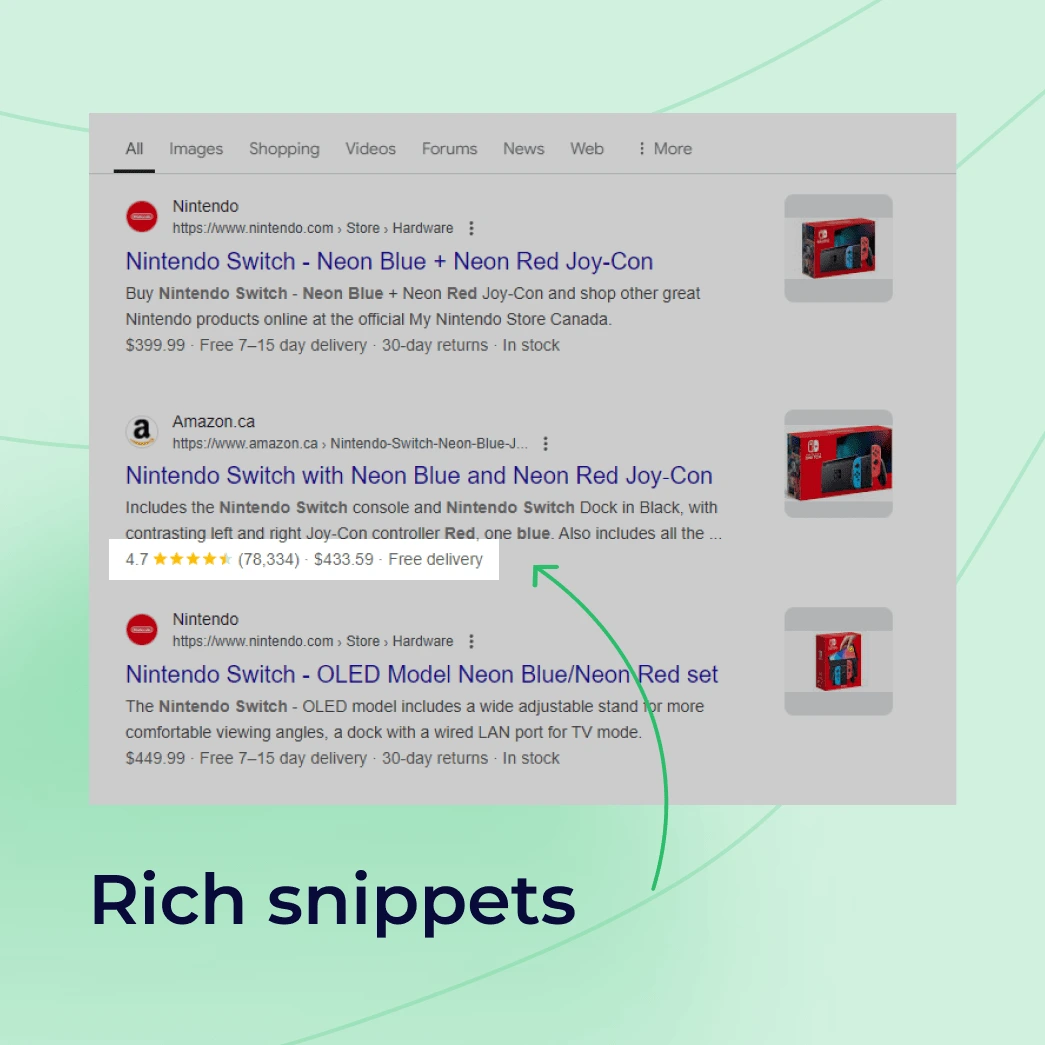
Schema markup is a type of structured data that helps search engines better understand your content. Developed by Schema.org, it enables you to add context to your web pages, improving their visibility in search results through rich snippets and enhanced search features.
Unlike OG tags (which are typically <meta> tags), Schema markup is most commonly implemented as JSON-LD — a block of structured data placed in the page source. This structured layer helps search engines interpret what your content represents (a product, an FAQ, an article, an event, a business location, and more).
Important nuance: Schema can make a page eligible for rich results, but it doesn't guarantee you'll get them. Validation and completeness still matter.
For most teams, JSON-LD is the easiest way to implement Schema because it keeps structured data separate from your HTML markup. After you add it, validate the page using a structured data testing tool (for example, Google's Rich Results Test) so you can catch missing required fields before shipping.
Common Schema Types
Here are some examples of popular Schema types.
Product Schema
{
  "@context": "https://schema.org",
  "@type": "Product",
  "name": "Wireless Headphones",
  "image": "https://example.com/headphones.jpg",
  "description": "High-quality wireless headphones with noise cancellation.",
  "brand": "TechBrand",
  "price": "99.99",
  "priceCurrency": "USD"
}
FAQ Schema
{
  "@context": "https://schema.org",
  "@type": "FAQPage",
  "mainEntity": [
    {
      "@type": "Question",
      "name": "What is Schema markup?",
      "acceptedAnswer": {
        "@type": "Answer",
        "text": "Schema markup is a form of structured data that helps search engines understand your content."
      }
    }
  ]
}
Purpose of Schema Markup
- Improves search engine understanding of your content.
- Unlocks rich snippets in search results, like star ratings, event details, and FAQs.
- Drives more targeted traffic through enhanced visibility.
Other common types you'll see often include Article, BreadcrumbList, Organization, LocalBusiness, and Event. The best type depends on what the page actually is — and what search features you're aiming for.
Key Differences Between OG Tags and Schema
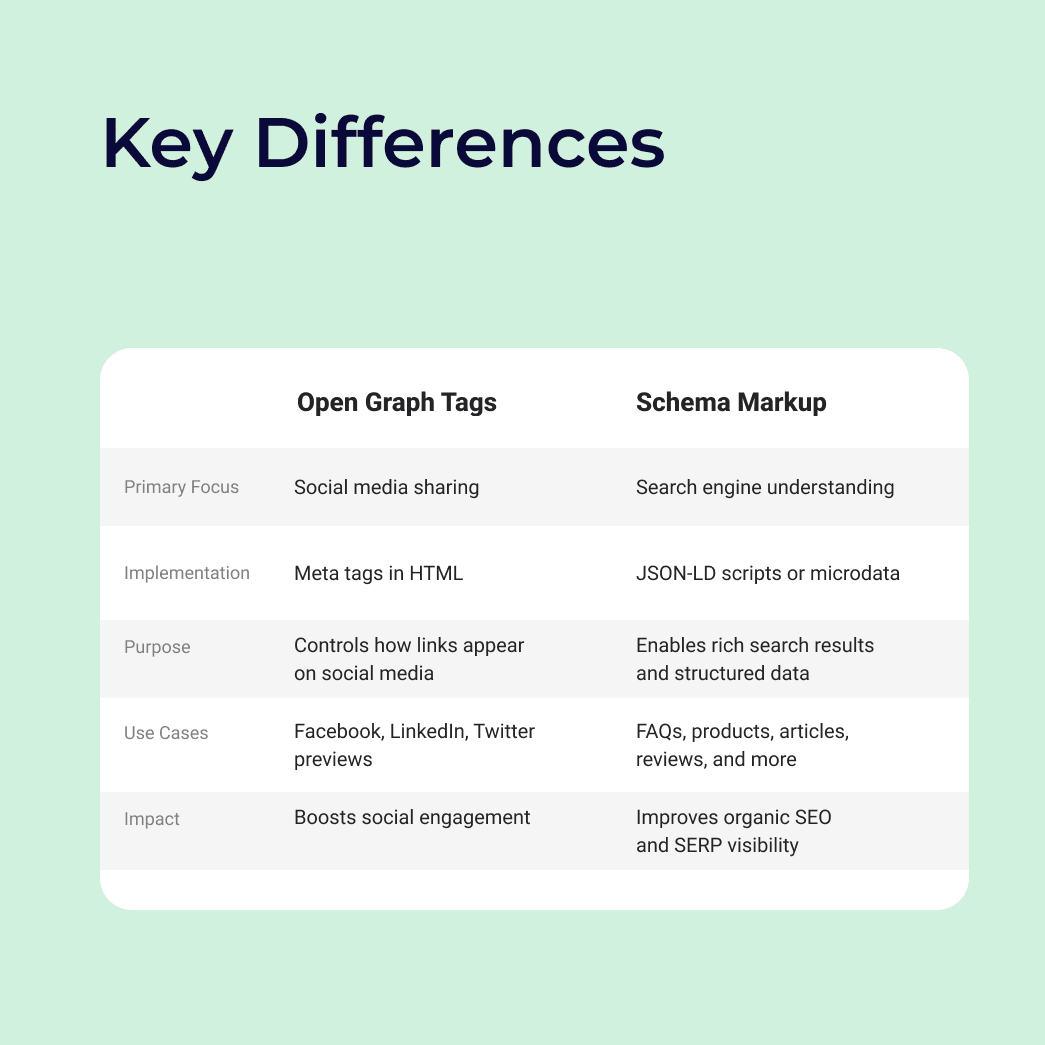
Summary:
- OG tags excel at social sharing, ensuring your links look great across platforms.
- Schema markup is designed for SEO, helping search engines understand your content and display it effectively.
Here's the simplest side-by-side comparison:
| Purpose | Example | Output | |
|---|---|---|---|
| Open Graph (OG) | Control link previews on social platforms | og:title, og:description, og:image in <head> |
Rich social preview cards when shared |
| Schema (JSON-LD) | Help search engines understand entities/content | Product, FAQPage, Article JSON-LD |
Eligibility for rich results in search |
| Both | Maximize social previews plus search understanding | OG meta tags + JSON-LD on the same page | Strong social previews and enhanced search appearance |
A useful way to think about it:
- OG is about the "share preview" experience.
- Schema is about the "search interpretation" experience.
Three practical differences that matter day-to-day:
- Where it's consumed: OG is primarily consumed by social platforms; Schema is consumed by search engines and other tools.
- How you test it: OG is tested with preview/debug tools; Schema is tested with structured data validators.
- What breaks most often: OG breaks with missing tags/images/caching; Schema breaks with missing required properties or wrong types.
When to Use Open Graph vs Schema
Use Cases for Open Graph Tags
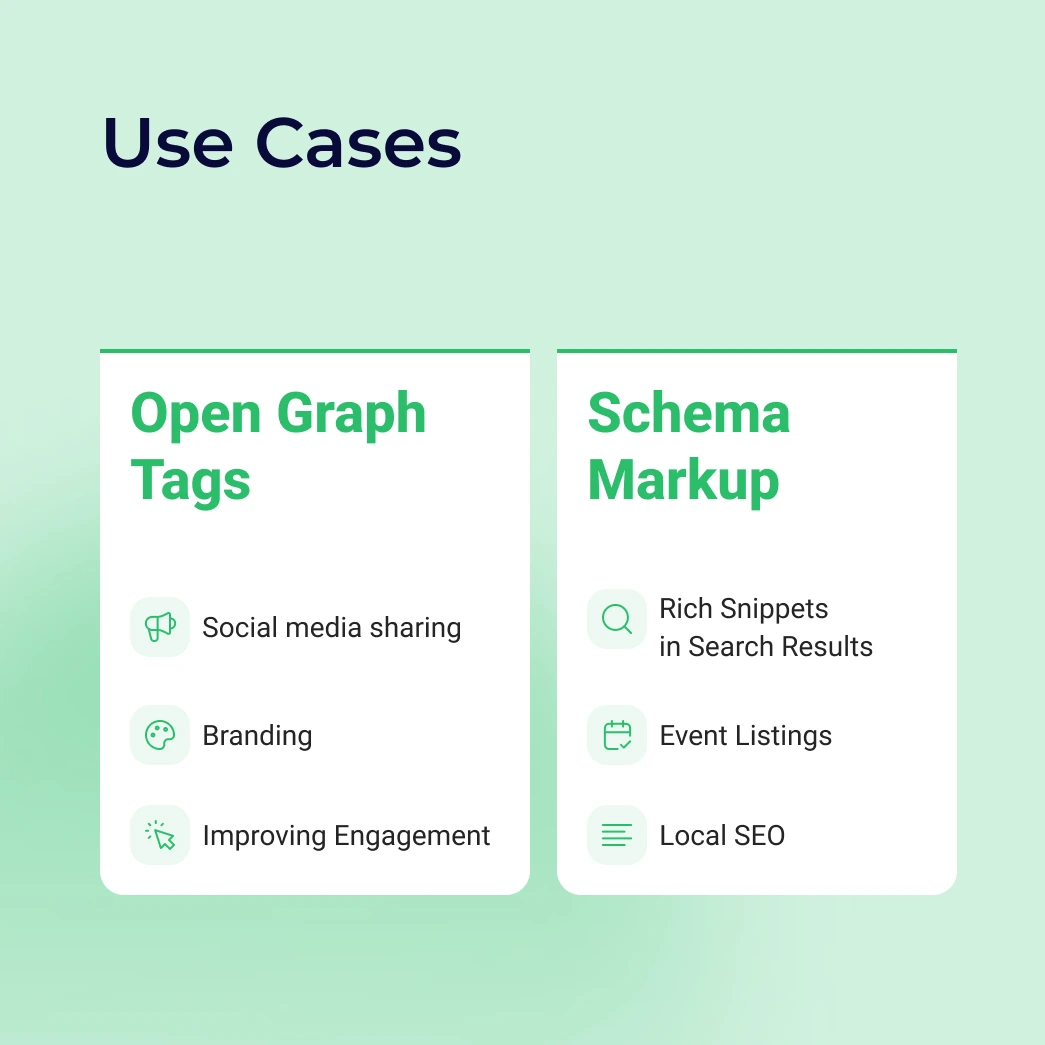
- Social Media Sharing: Whenever you want your links to look attractive on platforms like Facebook, LinkedIn, or X.
- Branding: Ensure consistent visuals and messaging across social media.
- Improving Engagement: Use OG tags to encourage clicks and shares with compelling titles and images.
- Campaign Landing Pages: Control preview copy and images for promos, launches, and ads.
If people share the link, OG tags are your main lever for improving the first impression.
Use Cases for Schema Markup
- Rich Snippets in Search Results: Use FAQ schema to surface common questions, or Product schema for ecommerce listings.
- Event Listings: Mark up events to appear with dates and locations in search.
- Local SEO: Use LocalBusiness schema to provide detailed information about your business.
- Articles and Blogs: Add Article schema to help clarify headline, author, publish date, and featured image.
If search traffic matters, Schema helps your content be understood more accurately and (sometimes) displayed more richly.
If you only pick one, choose based on your primary channel:
- If your traffic depends on social sharing → prioritize OG tags.
- If your traffic depends on search visibility → prioritize Schema markup.
But for most business-critical pages, the best answer is using both.
How They Work Together
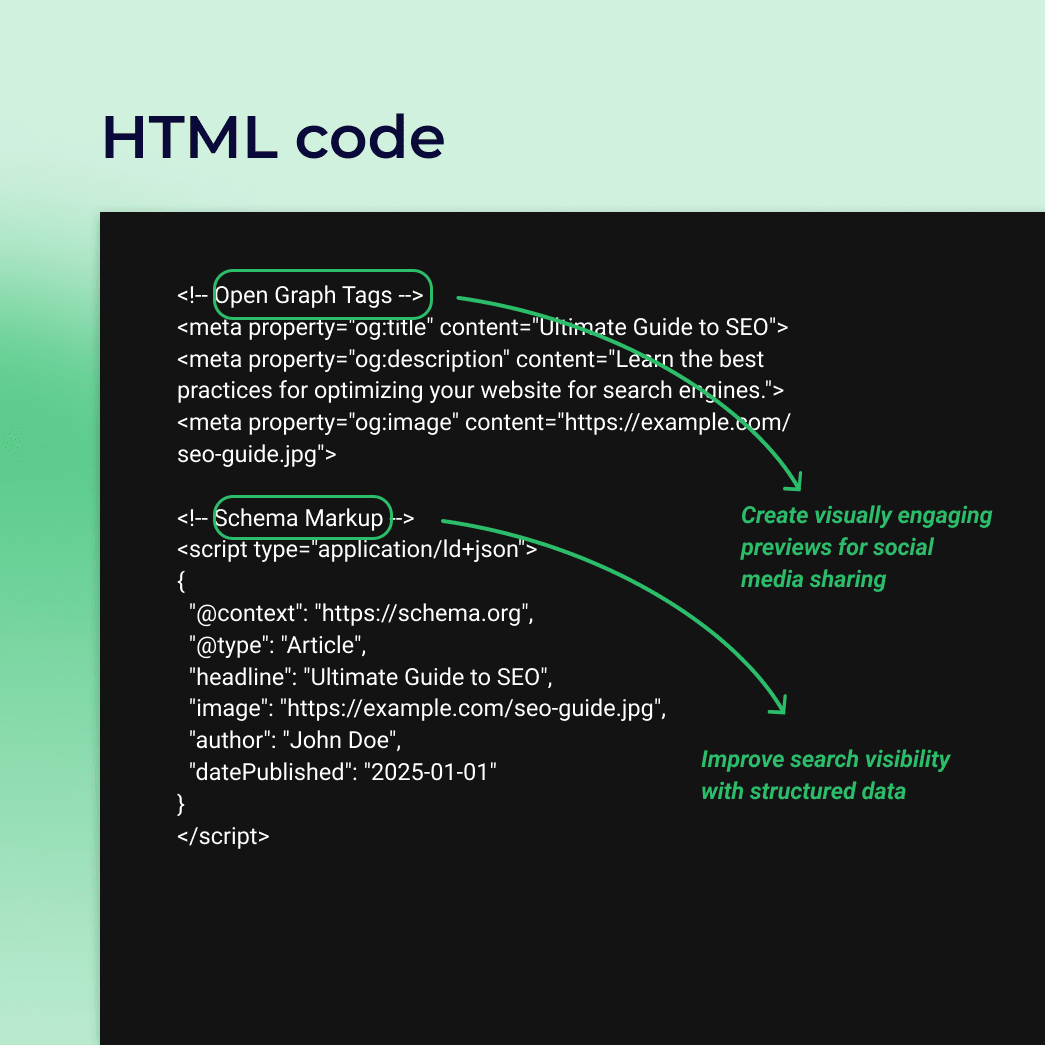
OG tags and Schema markup aren't mutually exclusive — in fact, combining them can provide maximum visibility. For example, you can use OG tags to control the social preview while Schema markup enhances your search result presence.
Here's an example of a page that uses both:
<!-- Open Graph Tags -->
<meta property="og:title" content="Ultimate Guide to SEO">
<meta property="og:description" content="Learn the best practices for optimizing your website for search engines.">
<meta property="og:image" content="https://example.com/seo-guide.jpg">

<!-- Schema Markup -->
<script type="application/ld+json">
{
  "@context": "https://schema.org",
  "@type": "Article",
  "headline": "Ultimate Guide to SEO",
  "image": "https://example.com/seo-guide.jpg",
  "author": "John Doe",
  "datePublished": "2025-01-01"
}
</script>
Benefits:
- OG Tags: Enhanced social media previews that drive engagement.
- Schema Markup: Improved search engine understanding that boosts SEO.
Tip: keep the headline and primary image consistent between OG and Schema so your preview and search context don't feel "out of sync."
Case Study: Combining OG Tags and Schema
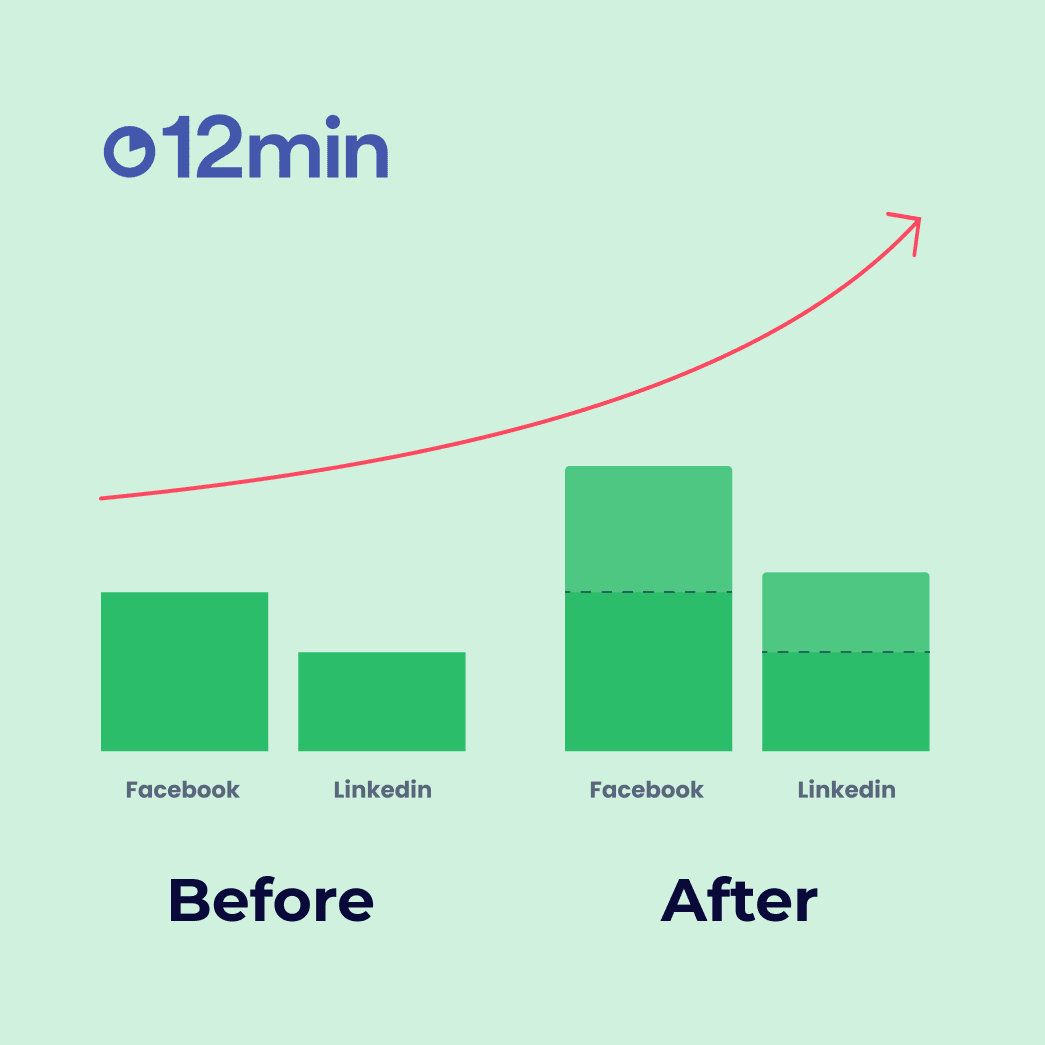
Challenge: 12min, a microbook summary app, found that their blog content was underperforming on social media and in search rankings.
Solution: They optimized their blog posts with OG tags for compelling social media previews and implemented Article Schema to improve search engine understanding. This dual approach enhanced both click-through rates and organic traffic.
Results: A 35% increase in social media click-through rates and a 50% growth in organic search traffic.
Conclusion
Open Graph tags and Schema markup both improve how your content appears, but they solve different problems. OG tags are primarily about social sharing previews, while Schema markup is about helping search engines interpret your content and display richer search results when applicable.
Here are three clear rules of thumb:
When to use Open Graph (OG): Use OG tags when your main goal is a clean, high-converting preview on platforms like Facebook and LinkedIn — especially for blog posts, landing pages, and campaigns.
When to use Schema: Use Schema markup when your main goal is SEO visibility and rich-result eligibility (FAQ, Product, Article, Event, LocalBusiness).
When to use both: Use both on pages that are shared socially and expected to rank — like cornerstone content, product pages, and high-intent landing pages — so you control the social preview and provide structured context to search engines.
If you want to refine your social previews, use Open Graph Meta Tags as your implementation reference. If you want a quick refresher on OG fundamentals, start with What Is Open Graph?.
Start simple: tighten your OG tags first (so every share looks great), then add Schema to the templates you most want to rank (Products, Articles, FAQs). After updates, validate Schema with a structured data test, and refresh social previews using the platform debuggers if the share card looks cached.
Ready to see how your pages look right now? Run them through the Link Preview tool and fix anything that's off before your next big share.