

How to Create a Link Preview: Step-by-Step Guide for Social Media

Have you ever shared a link on social media or messaging platforms and noticed how some previews grab attention while others fade into the background?
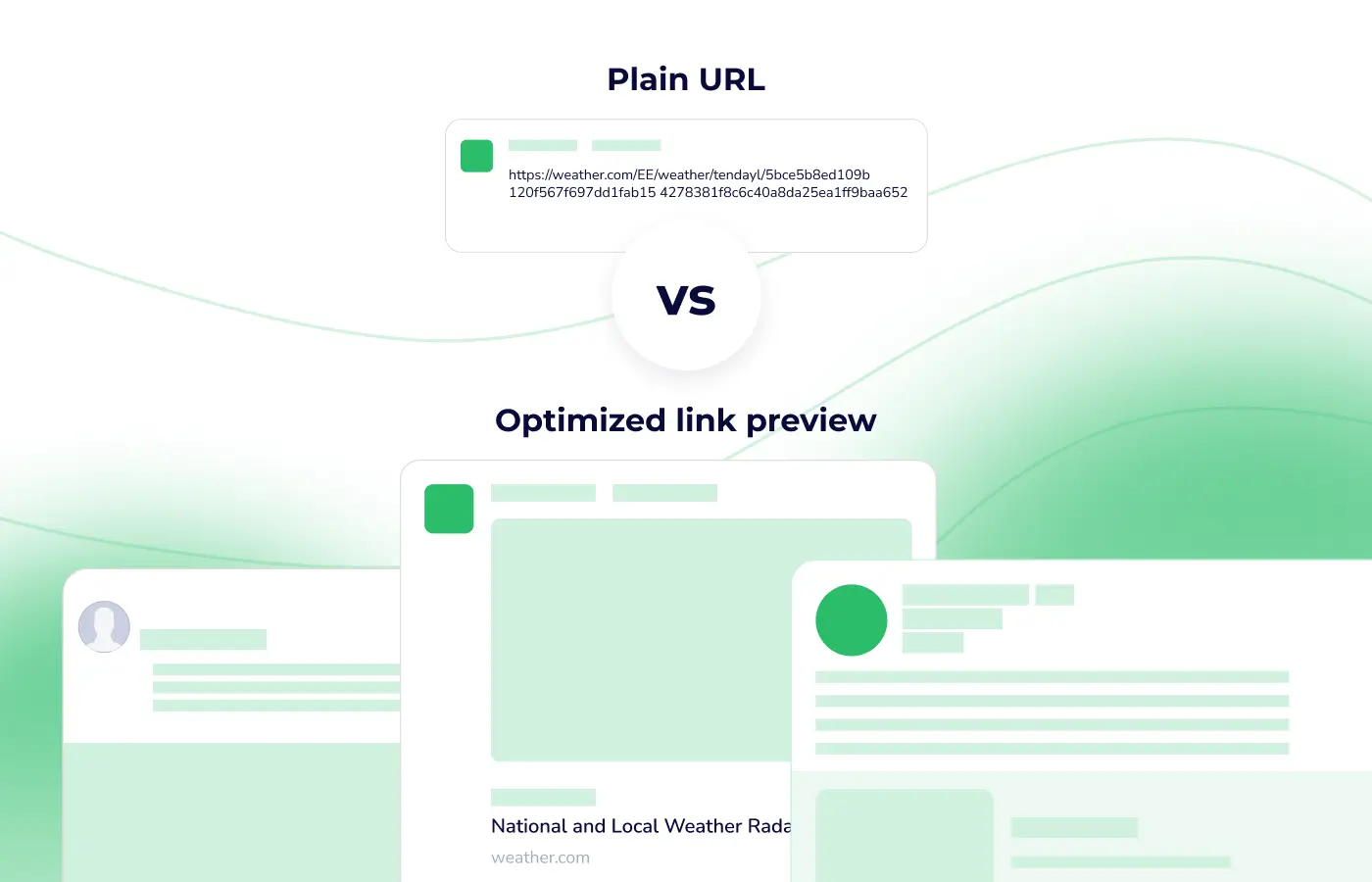
Link previews are more than just a convenience—they're a powerful tool for increasing engagement and click-through rates (CTR).
A well-optimized link preview can transform how your audience interacts with your content. With a compelling headline, a clear and concise description, and an eye-catching image, your link preview can stand out, encourage clicks, and increase visibility.
In this comprehensive guide, we'll walk you through creating polished and professional link previews step by step, ensuring your content gets the attention it deserves.
Step-by-Step Guide to Creating a Link Preview
Step 1: Choose the Right Tool for Link Previews
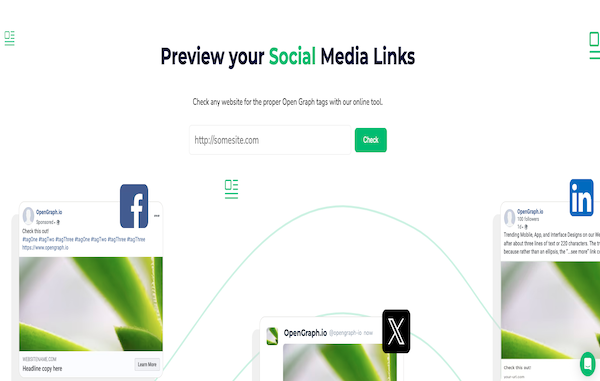
The first step to creating an effective link preview is selecting the right tool for the job. There are many options available, but a standout solution is OpenGraph.io.
Our tool simplifies the process by dynamically generating link previews and allowing you to edit them with ease.
With OpenGraph.io, you can ensure your link previews are always optimized for maximum impact, even if you don't have access to your site's backend or HTML.
Step 2: Understand the Basic Components of a Link Preview
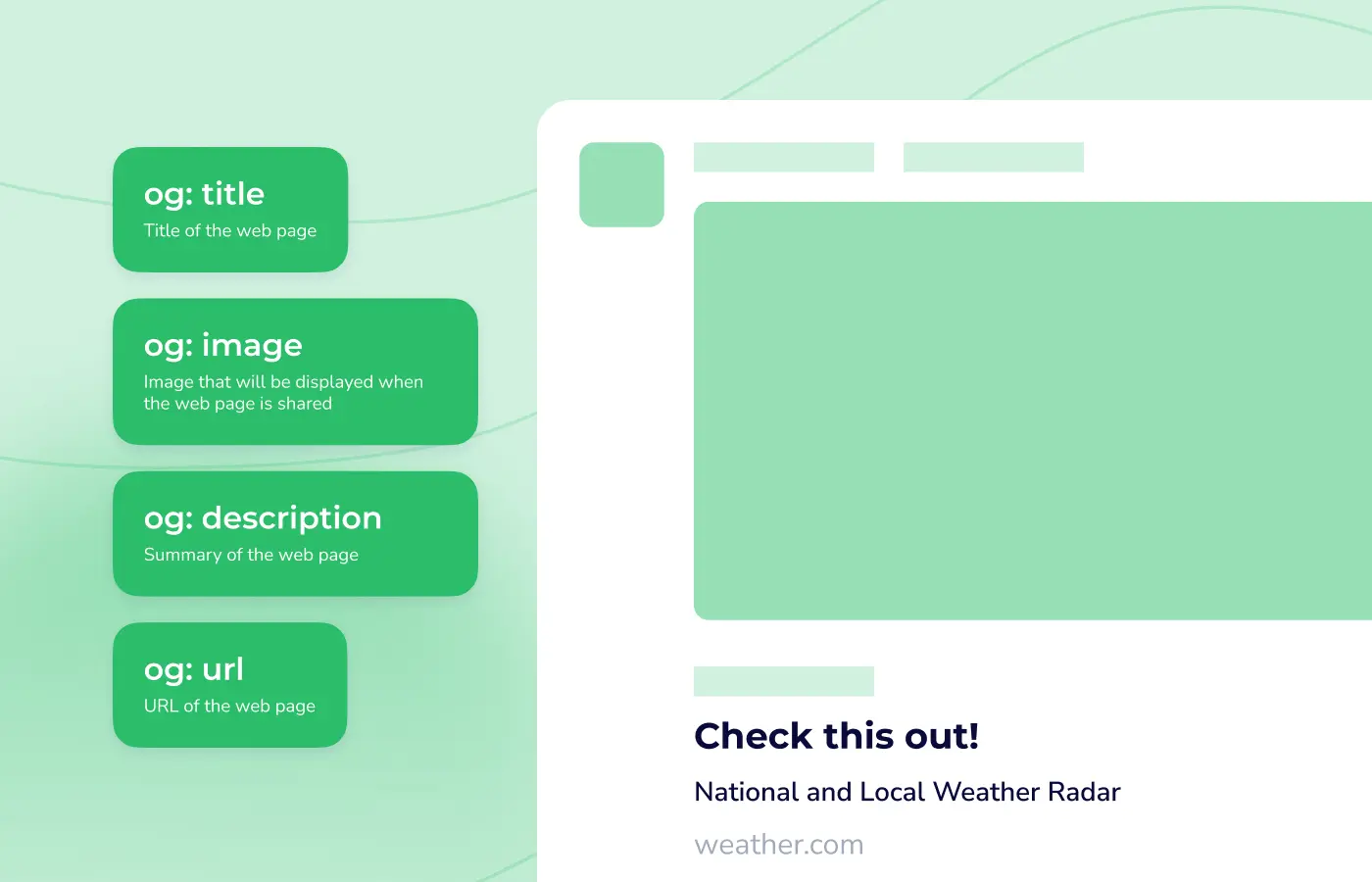
Before diving into the creation process, it's crucial to understand the key elements that make up a successful link preview. These components include:
- Title: A concise, attention-grabbing headline that hooks your audience.
- Description: A brief summary providing context and enticing users to click.
- Image: A high-quality, relevant visual that aligns with your content.
- URL: A clean, branded URL that establishes trust and credibility.
Each of these elements plays a pivotal role in creating a preview that stands out and drives engagement.
Step 3: Set Up Open Graph Tags on Your Website
Optimizing your website for link previews involves adding Open Graph (OG) tags to your HTML head section. These tags provide social platforms with the details they need to generate previews accurately.
Here's an example of a basic Open Graph setup:
<meta property="og:title" content="How to Create a Link Preview" />
<meta property="og:description" content="A step-by-step guide to creating engaging link previews for social media." />
<meta property="og:image" content="https://yourwebsite.com/image.jpg" />
<meta property="og:url" content="https://yourwebsite.com" />
Step 4: Generate a Link Preview Using OpenGraph.io
If you're not an HTML expert or simply prefer an easier approach, OpenGraph.io is an excellent solution. It enables you to dynamically customize and preview your links without the need to repeatedly update your HTML during the preparation process.
Here's how to generate a link preview using OpenGraph.io:
- Paste your URL into OpenGraph.io's preview generator.
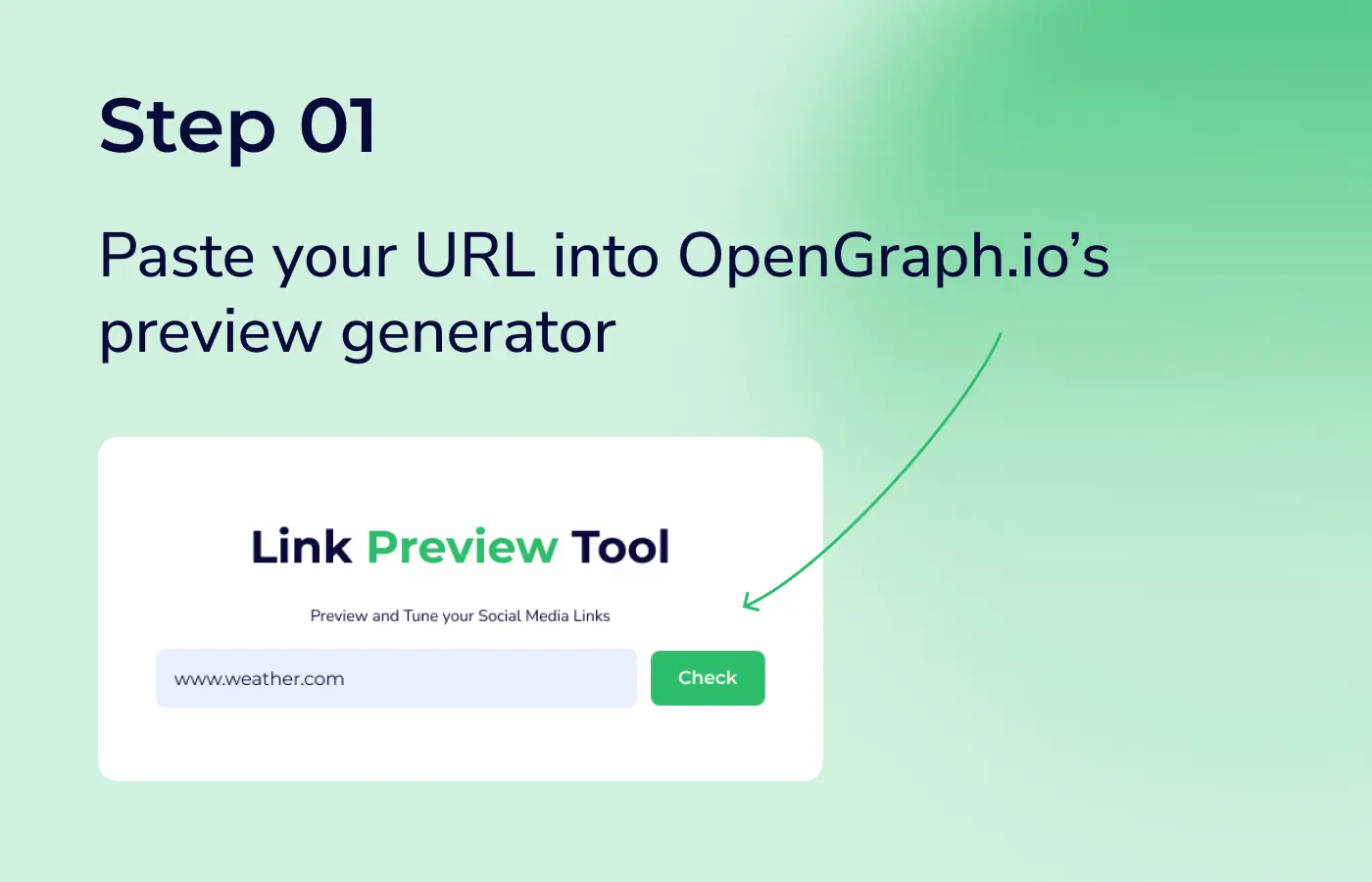
- Customize the title, description, and image to match your branding and goals.
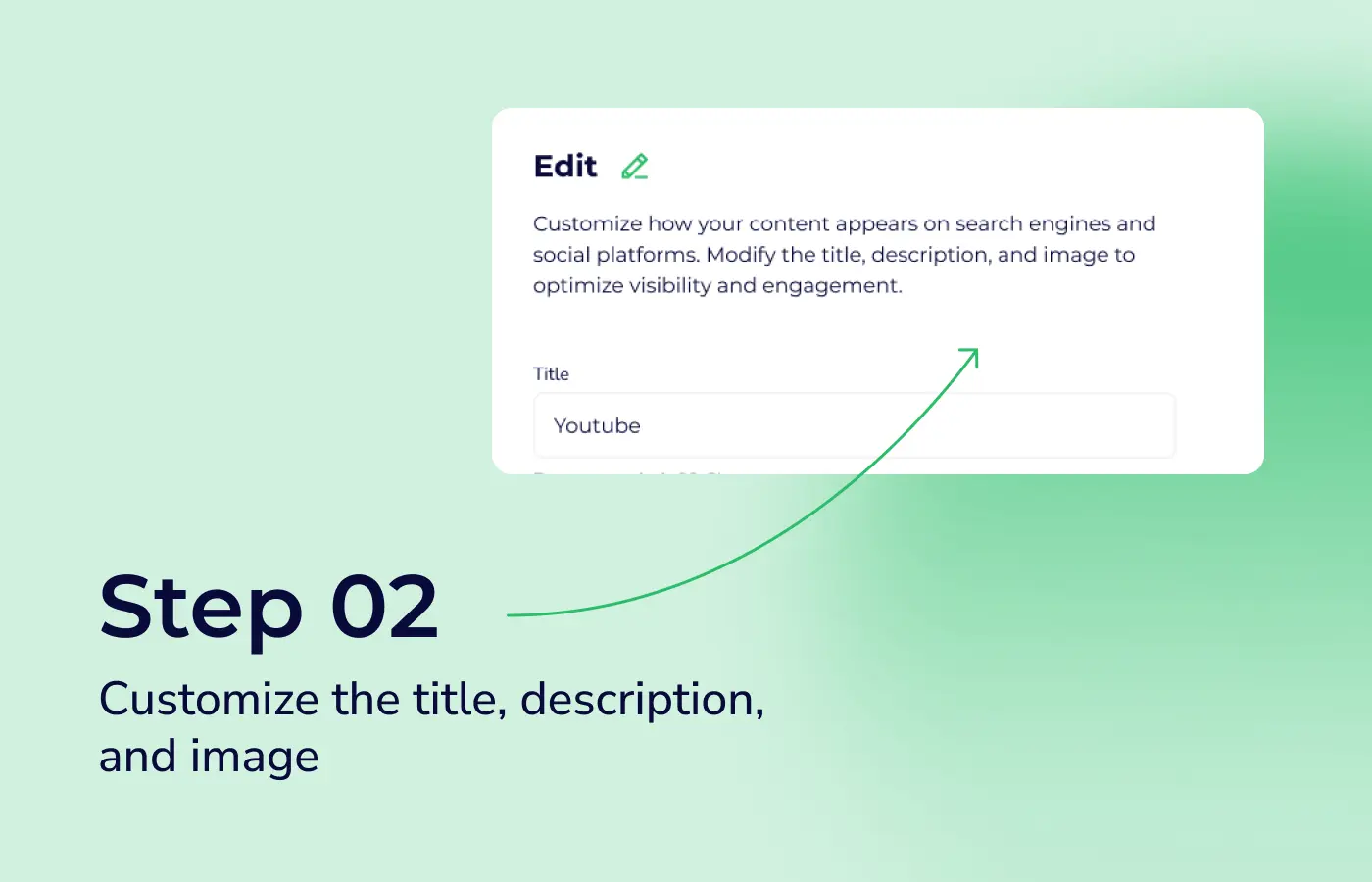
- Copy the meta tag snippet provided by OpenGraph.io and insert it into your HTML.
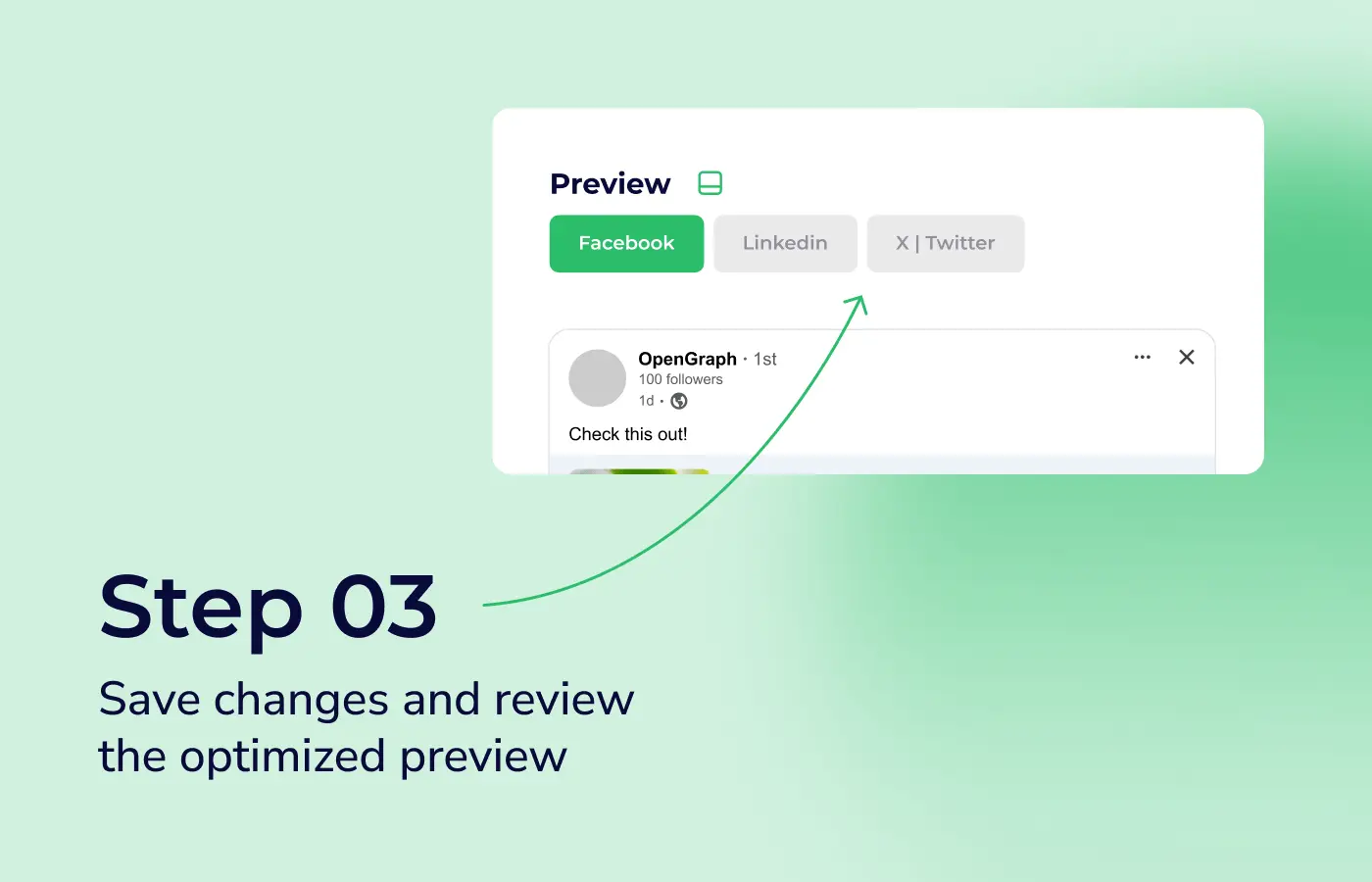
- Save your changes and review the optimized preview to ensure it meets your standards.
With OpenGraph.io, you can create professional link previews in just minutes, making it a valuable tool for marketers and content creators.
Step 5: Test Your Link Preview Across Platforms
Once your link preview is created, it's essential to test it to ensure it displays as intended. Use tools like:
- Facebook Debugger: Analyze your link to identify missing or incorrect Open Graph tags and see how your link will appear on Facebook via the Sharing Debugger.
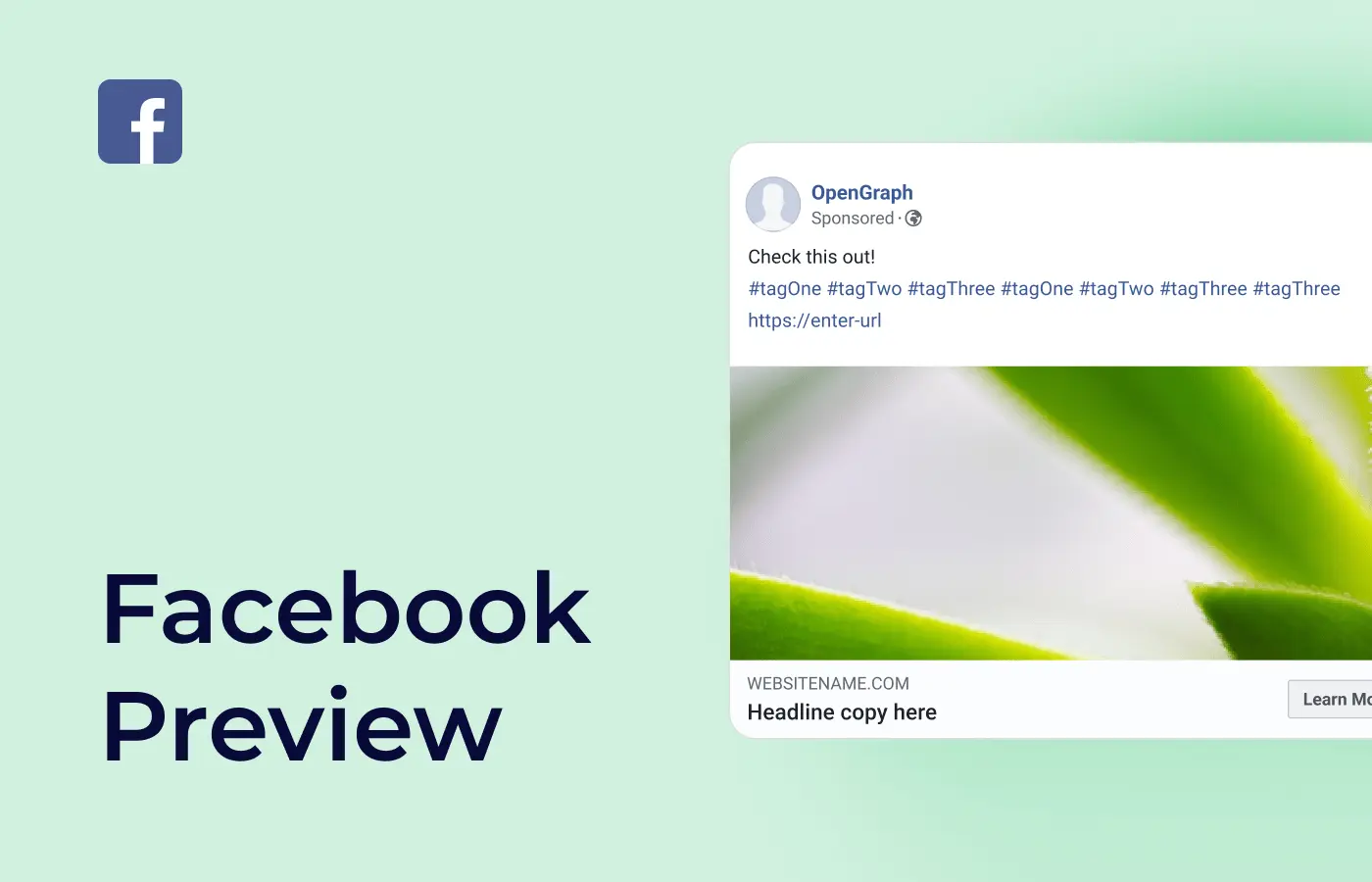
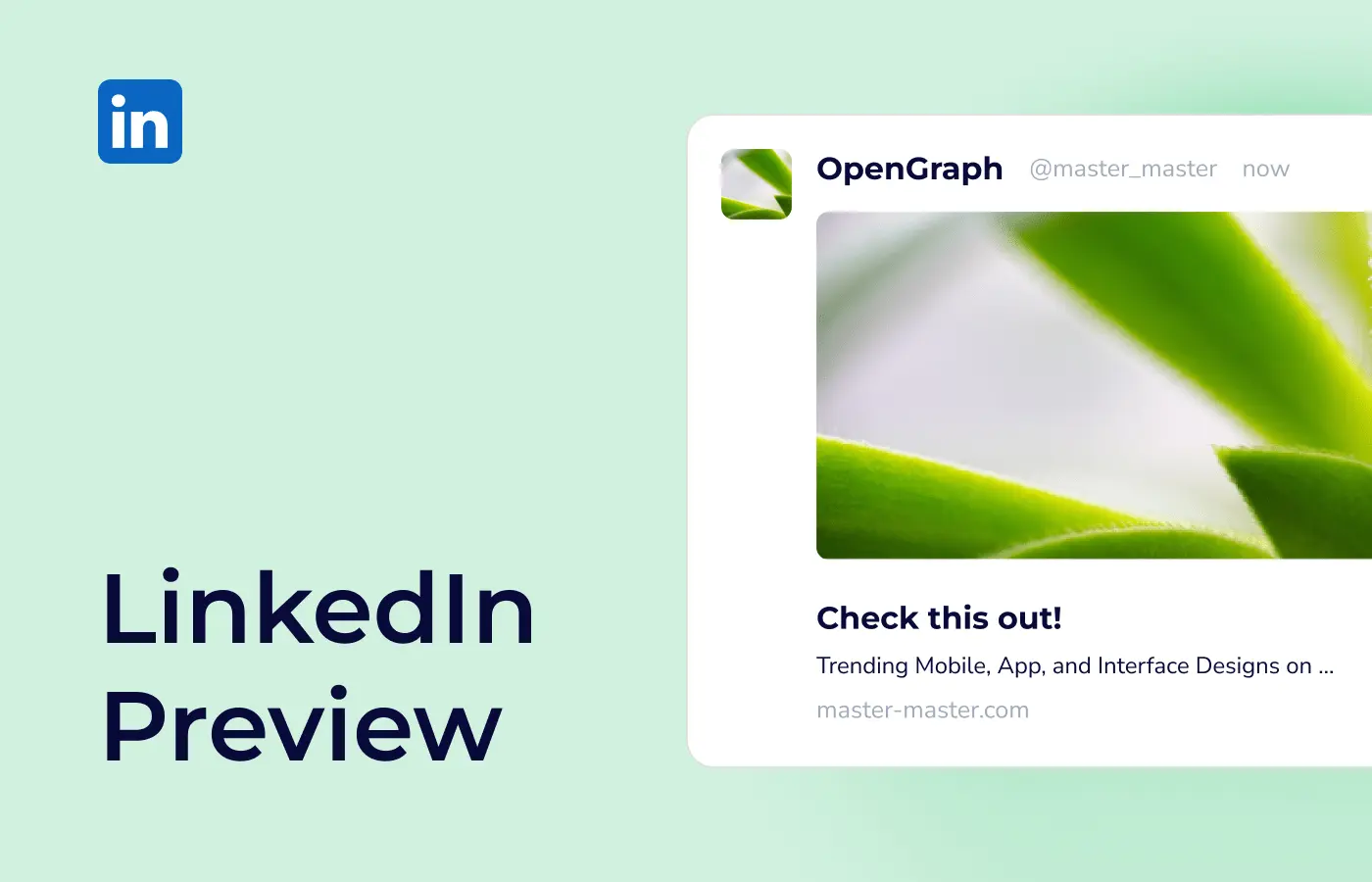
- LinkedIn Post Inspector: Ensure your links are optimized for LinkedIn by reviewing their metadata and seeing a live preview of how they'll appear when shared. Check your links using the Post Inspector.
Common Mistakes to Avoid
Creating link previews can sometimes lead to common mistakes that negatively impact your content's visibility and engagement. Here are some pitfalls to watch out for:
- Oversized or Low-Quality Images: Use images that adhere to recommended dimensions (e.g., 1200x630px for Facebook) and maintain high quality.
- Lengthy or Vague Descriptions: Keep descriptions concise, clear, and under 200 characters.
- Missing OG Tags: Ensure your HTML is properly configured to avoid incomplete or inaccurate previews.
By addressing these issues, you can significantly enhance the effectiveness of your link previews.
Best Practices for Effective Link Previews
To maximize the impact of your link previews, follow these best practices:
- Choose relevant, eye-catching images that align with your content and brand.
- Craft compelling titles and descriptions that are clear, concise, and engaging.
- Maintain consistent branding in both visuals and messaging to build recognition and trust.
Implementing these strategies ensures that your link previews not only stand out but also drive measurable results.
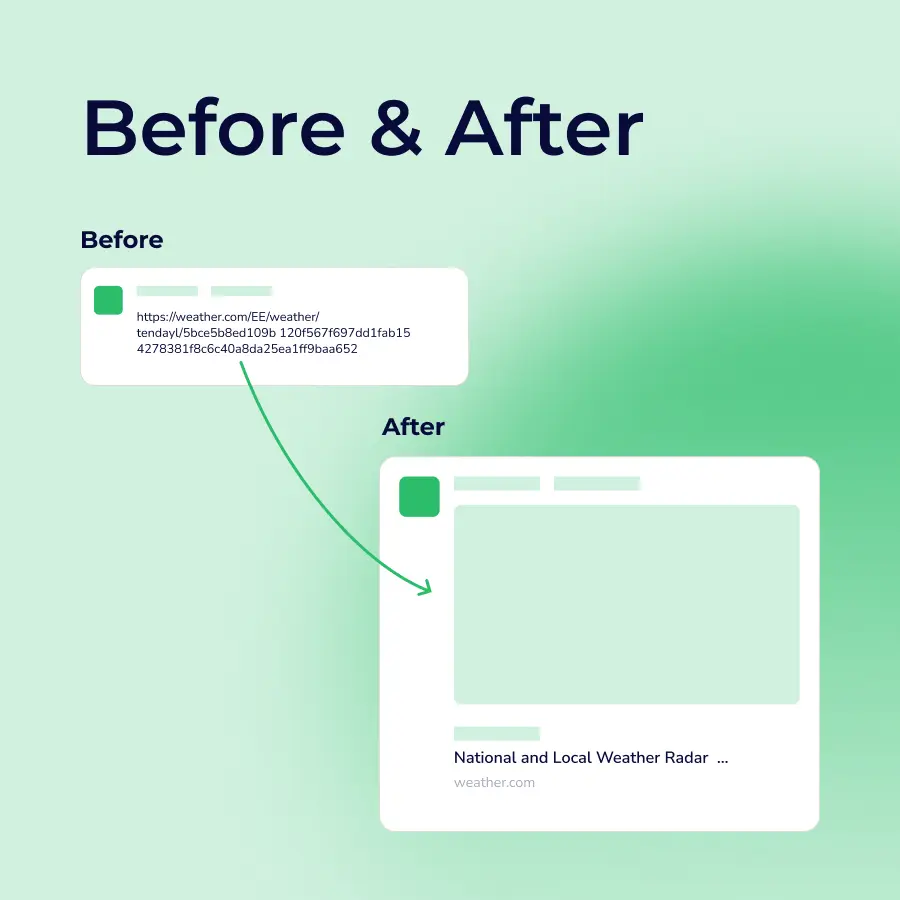
Examples of Effective URL Unfurling
Creating well-optimized link previews is an essential skill for anyone looking to enhance their online presence. By following the steps outlined in this guide, you can boost engagement, improve CTR, and ensure your content gets the visibility it deserves.
Ready to elevate your link previews? Try OpenGraph.io's free link preview generator today and streamline the process of creating stunning, click-worthy previews!
Need to generate these programmatically across many URLs? Check out the Link Preview API.
Try OpenGraph.io's free link preview generator and start driving more clicks with optimized previews!